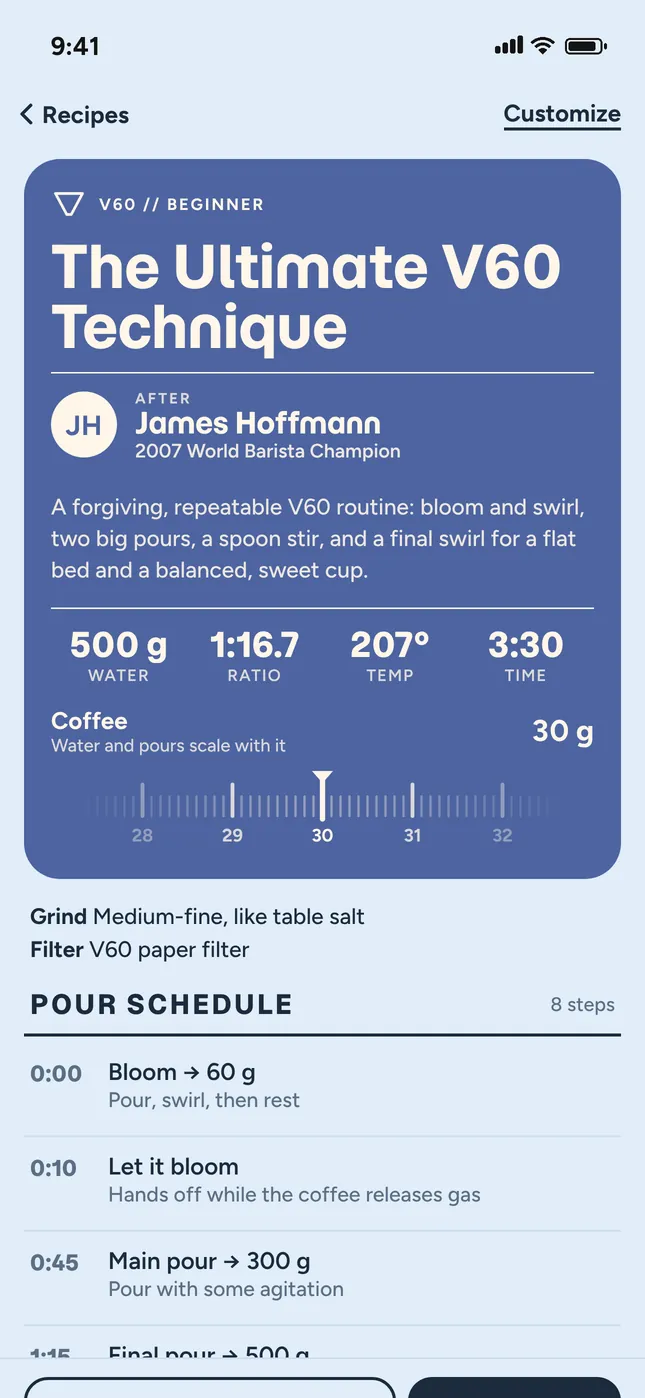
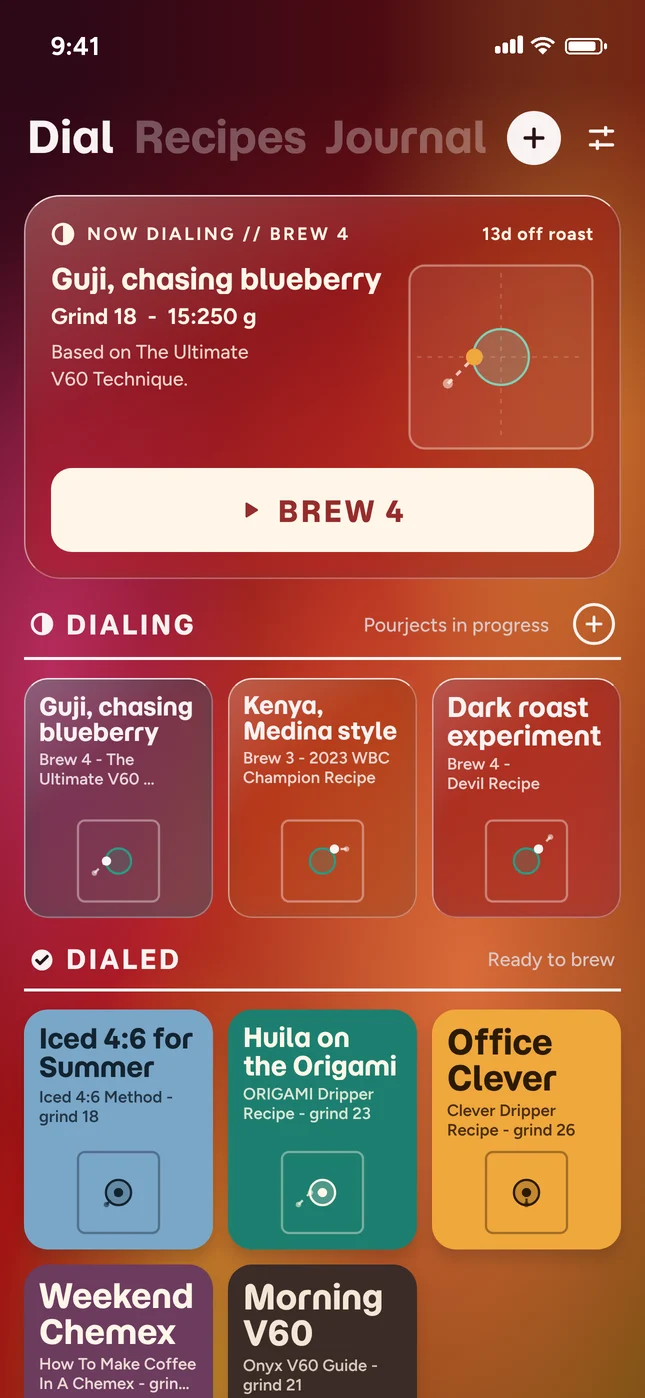
37 world-class recipes for V60, Origami, Chemex, Kalita and more. Or create your own.
A guide for every pour.
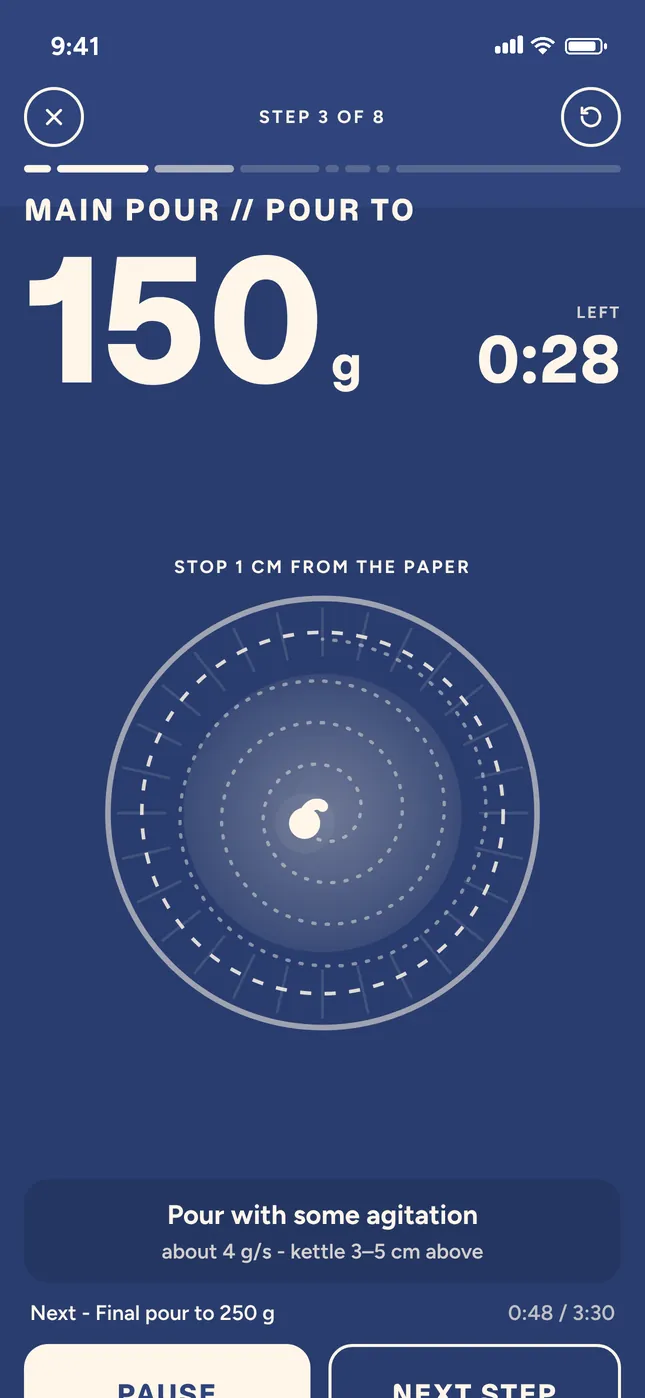
Guided mode is a live timer with a cue for every pour. Recipe mode puts the whole method on one page, to brew at your own pace.
Stop 1 cm from the paper
Step 3 of 6 // Main pour // Pour to
150g
Left
0:28
Pour schedule // V60 // 15 g : 250 g
Pour with some agitation. About 4 g/s, kettle 3–5 cm above.
Anything you want to dial in.
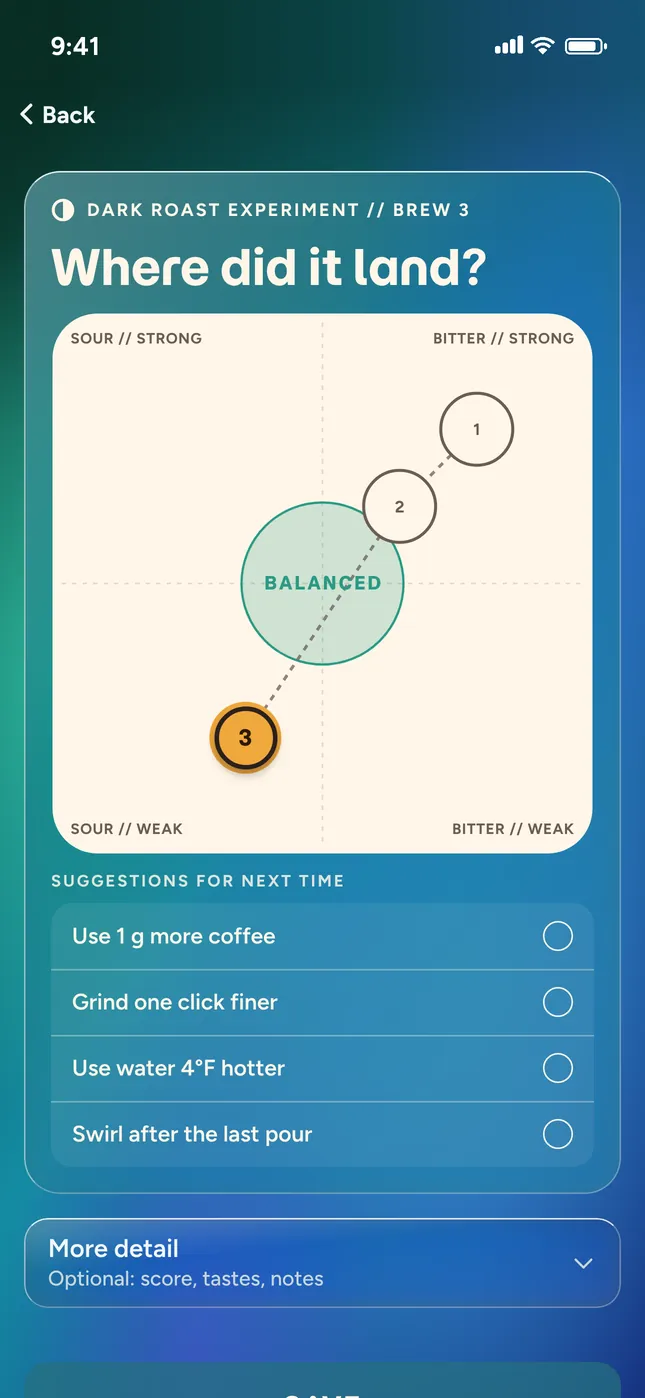
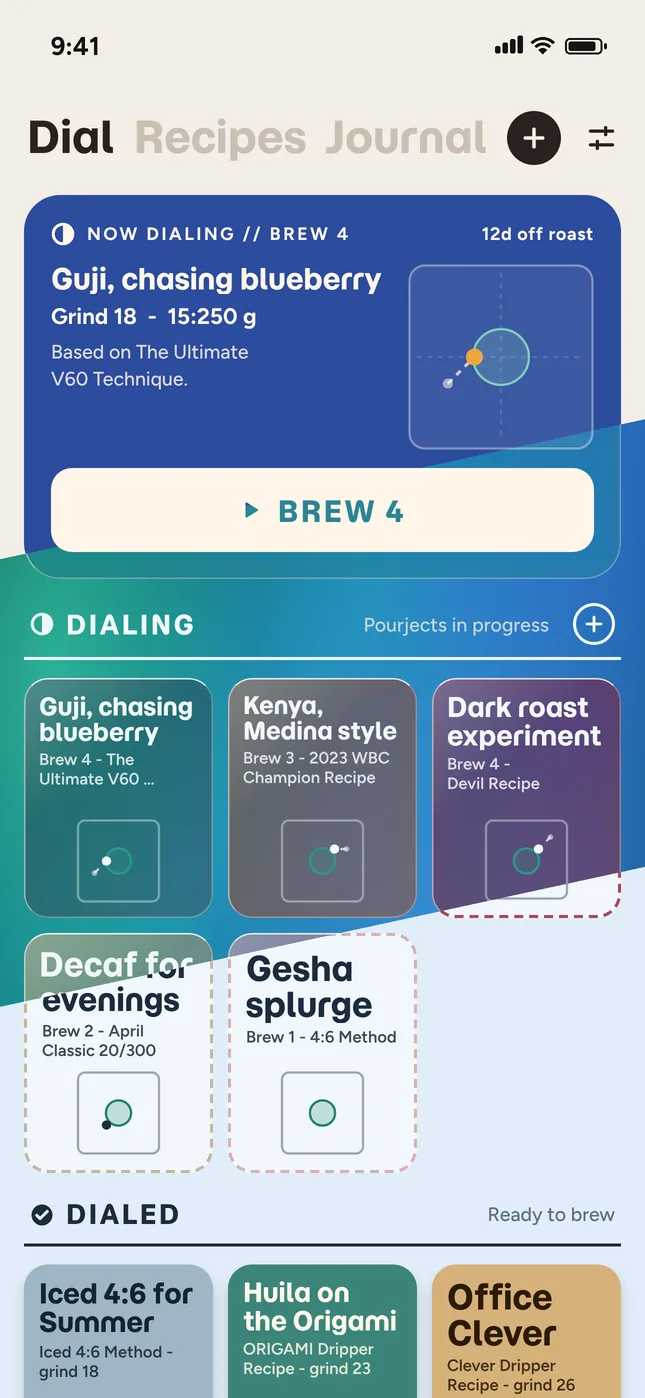
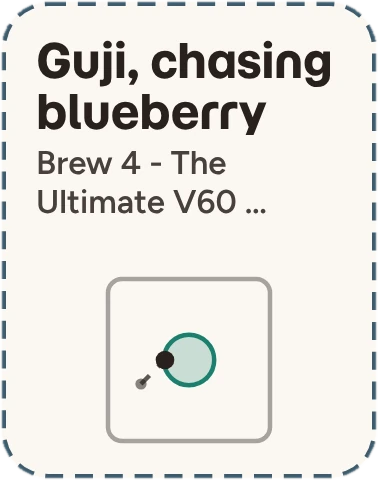
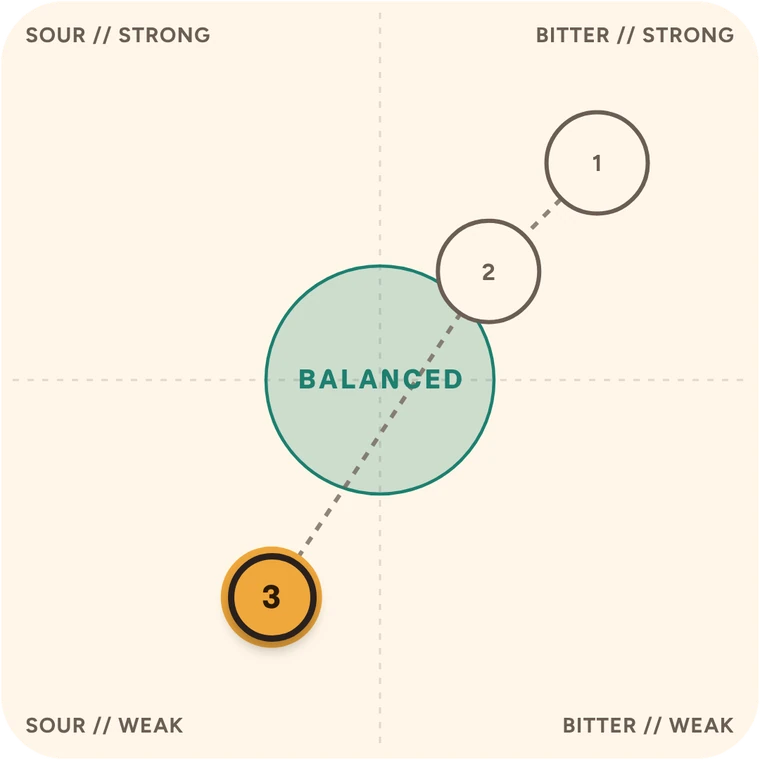
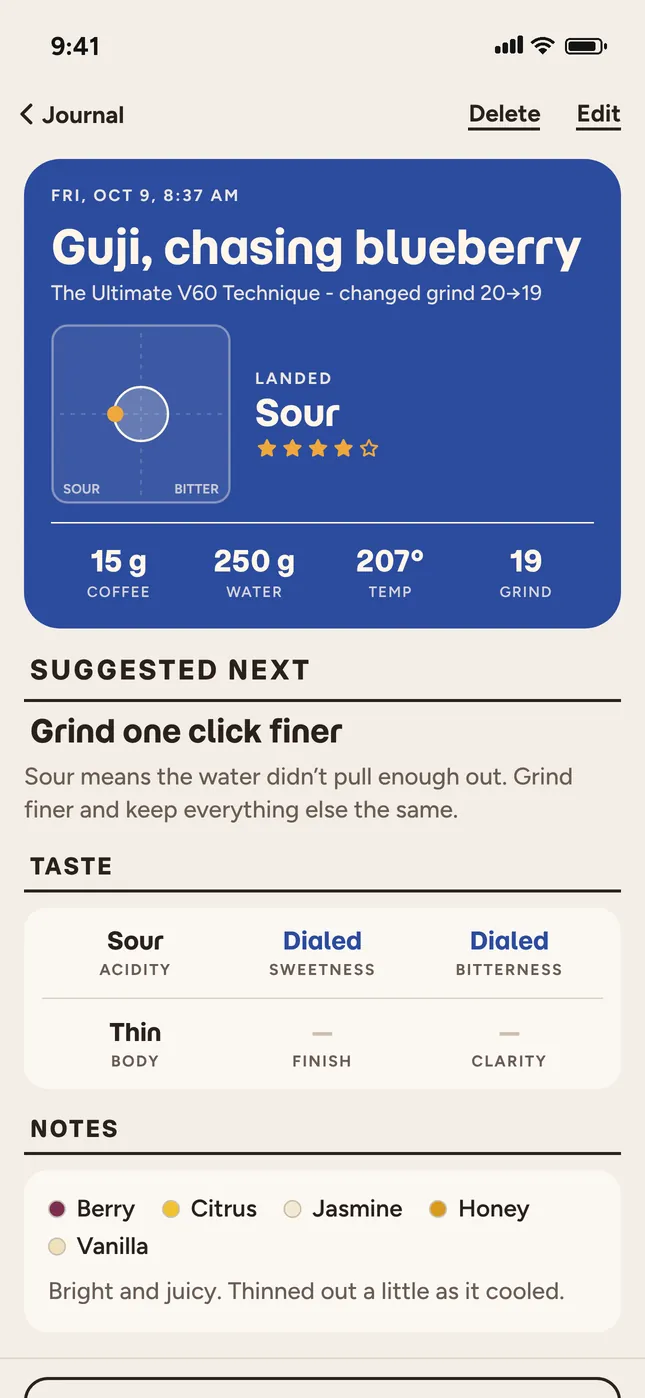
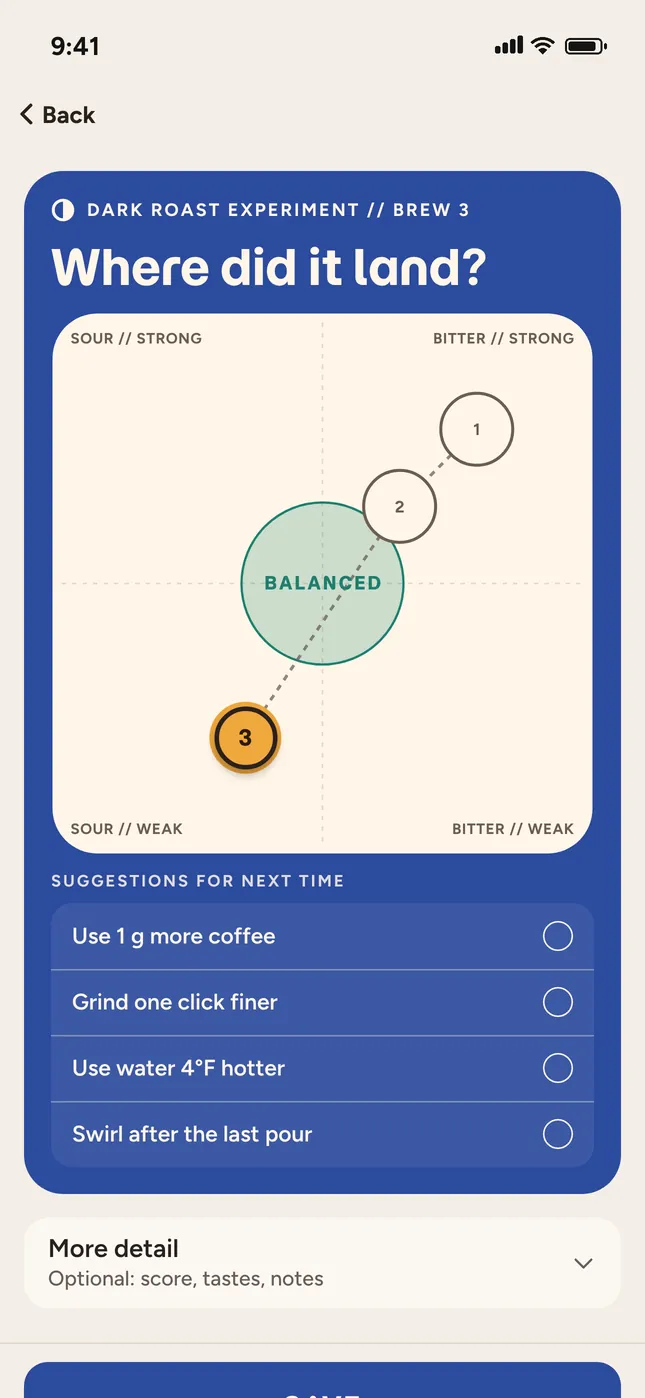
A new bag, an experiment, a note you’re chasing. Log a cup, tap where it landed, and mark how it tasted. Dialed suggests changes, or choose your own until you’re dialed in.
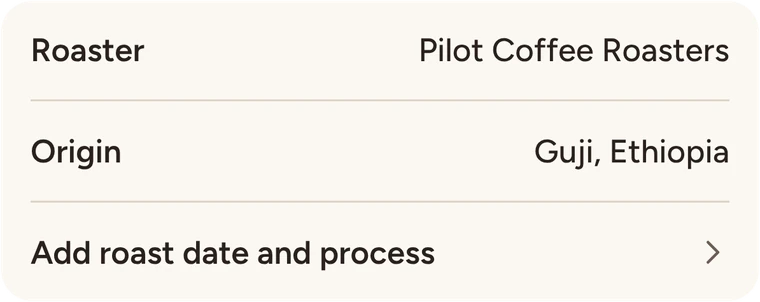
1Start a PourjectName it, and add the coffee if you like. A new bean, a new dripper, or an experiment.
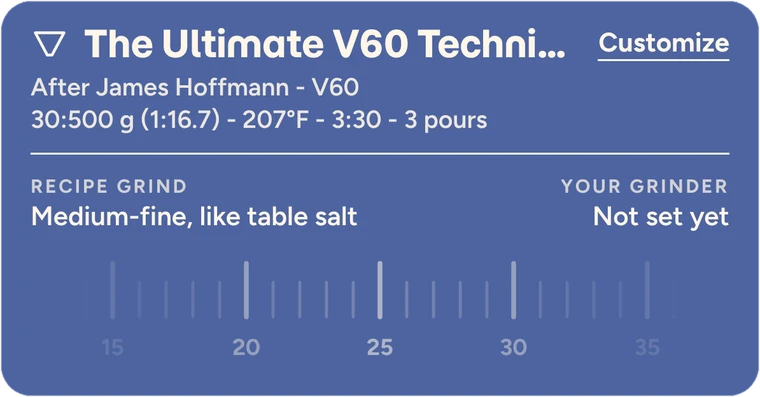
2Pick a base recipeChoose a recipe to start from, or create your own.
3Dial it inBrew, tap where it landed, and pick a suggestion for next time until it’s Dialed.
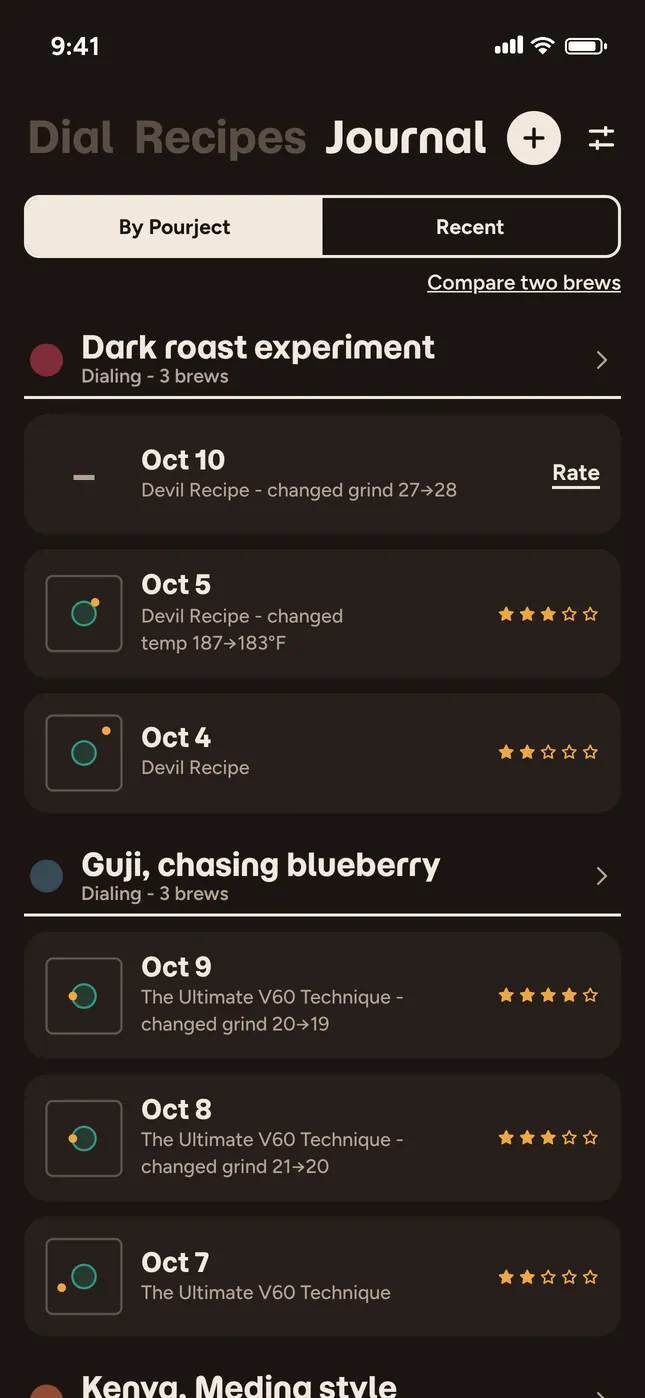
Brew 4 · grind 27 → 28
Find your favourites.
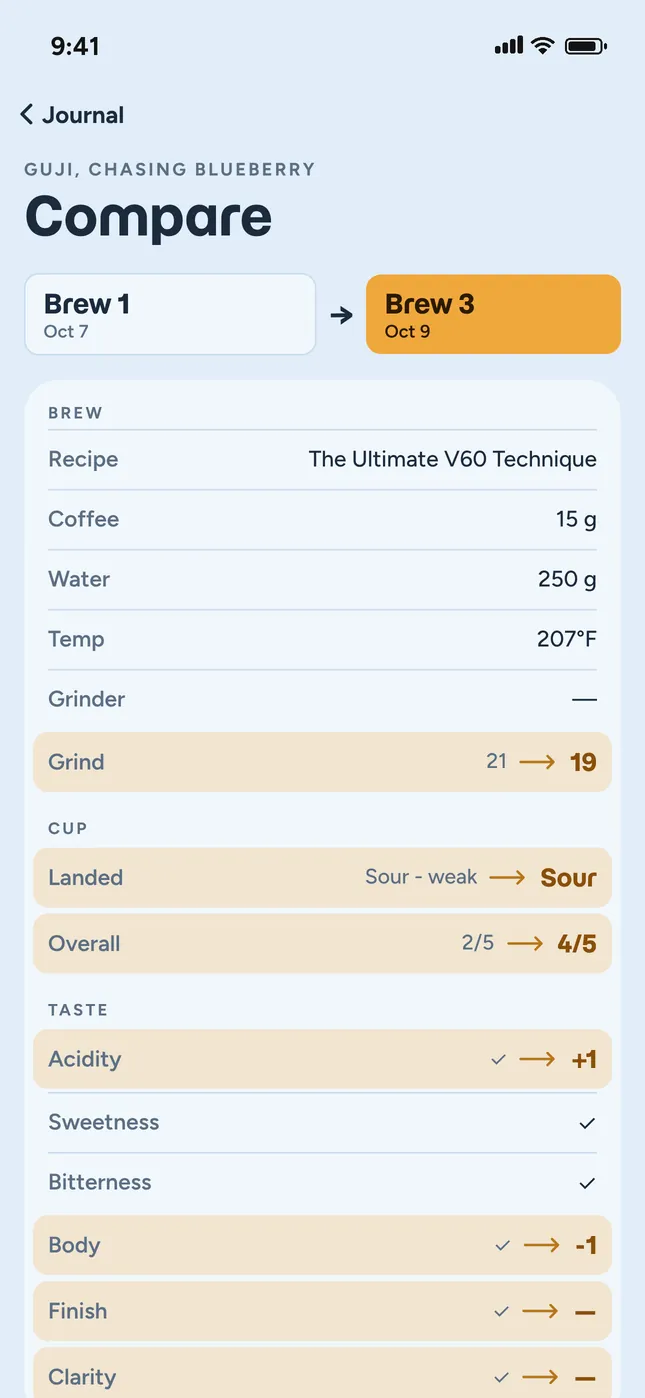
Look back at past cups, compare any two side by side, and see which recipes taste best for you.
By Pourject or by dateFollow one coffee, or all of them.
Every cup keptWhere it landed and how it tasted.
Side by sideEvery change between two cups.
Pick a theme.
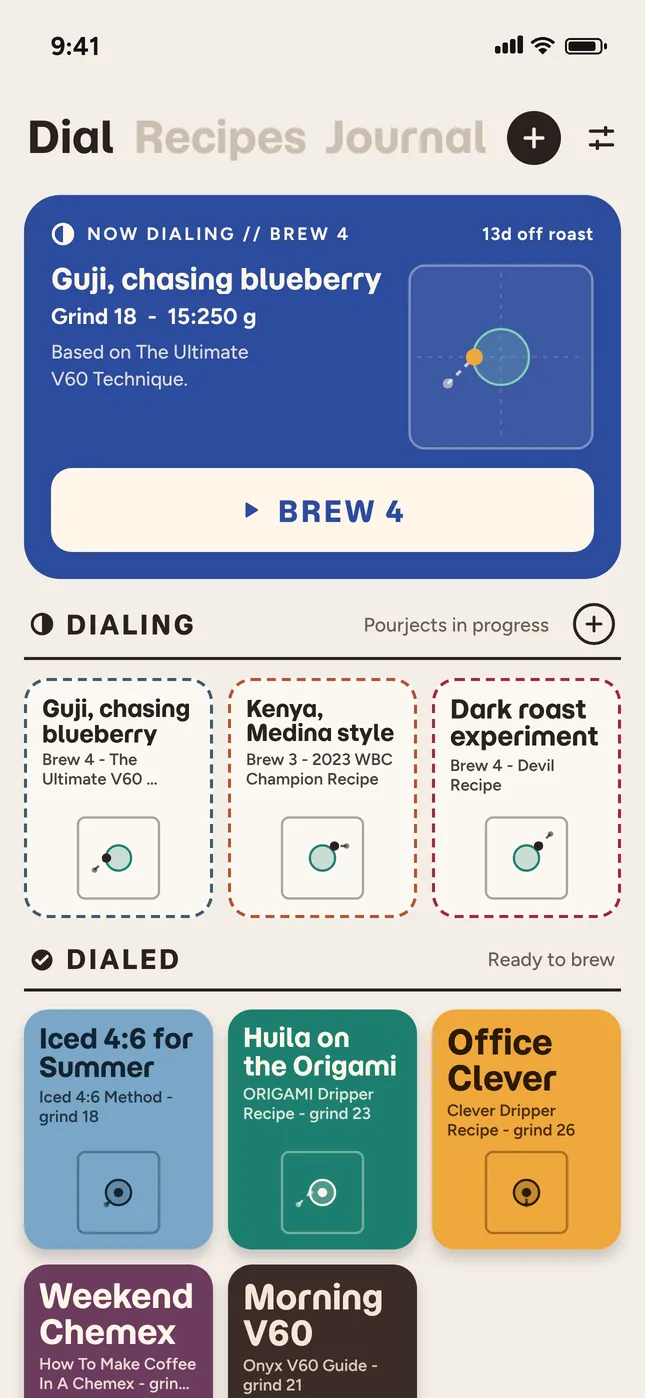
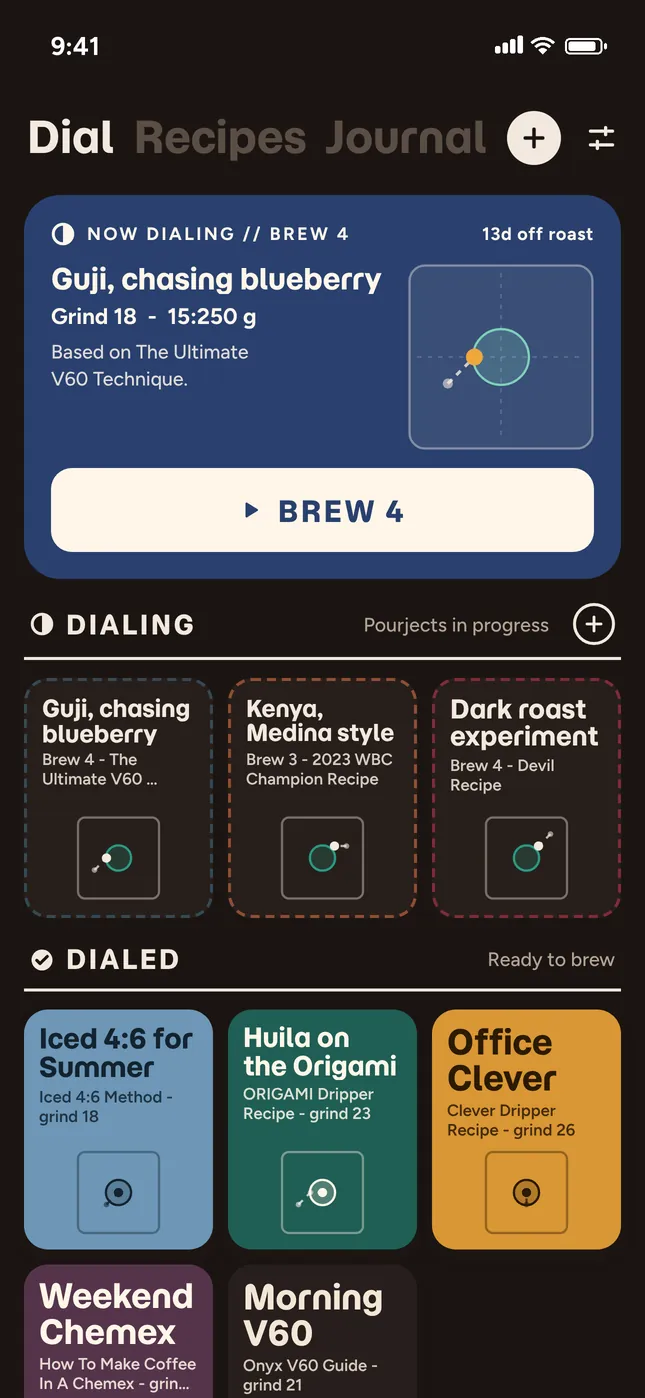
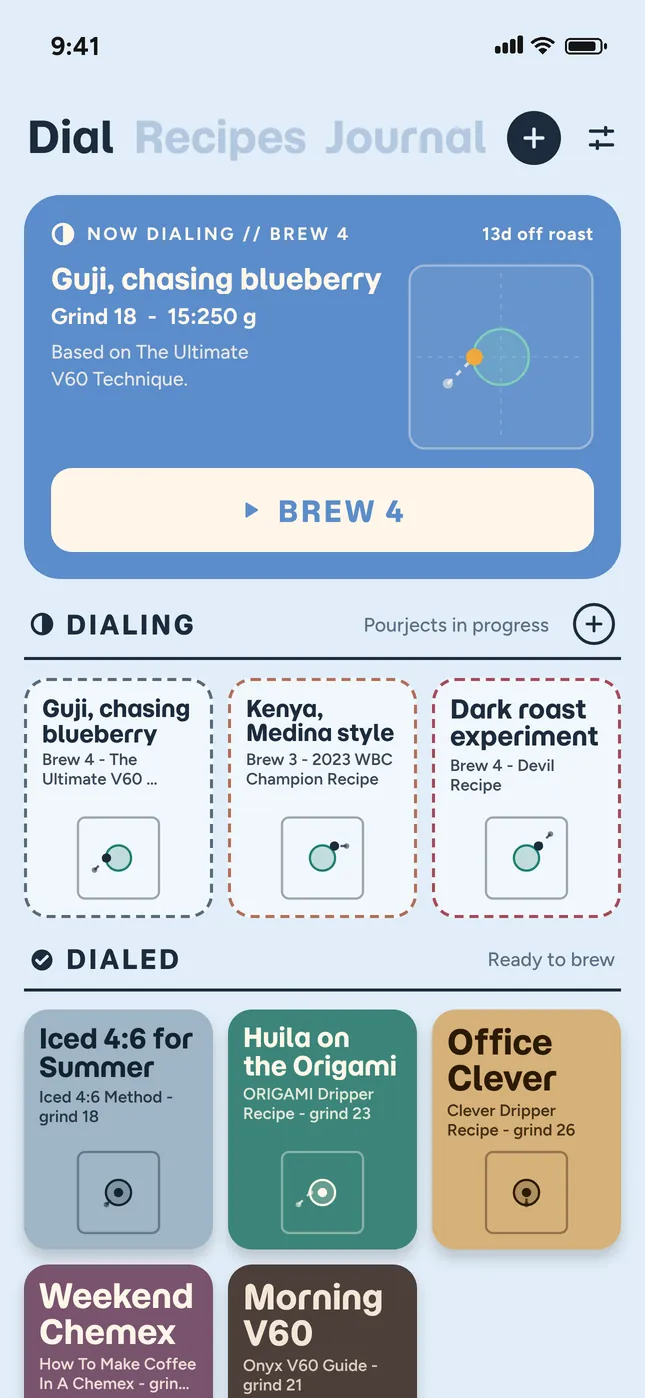
Paper, Espresso and Sky, or mix your own colour, light or dark.
Paper
Espresso
Sky
Custom
And the small things.
Your brews stay yours
No account. Everything lives on your iPhone, with a copy in your own iCloud, so nothing’s lost if you lose your phone or upgrade.
Backup in one tap
Export your whole journal as a file, and import it again any time.
Screen stays on
Your phone won’t lock mid-pour while the timer is running.
Brew for one or four
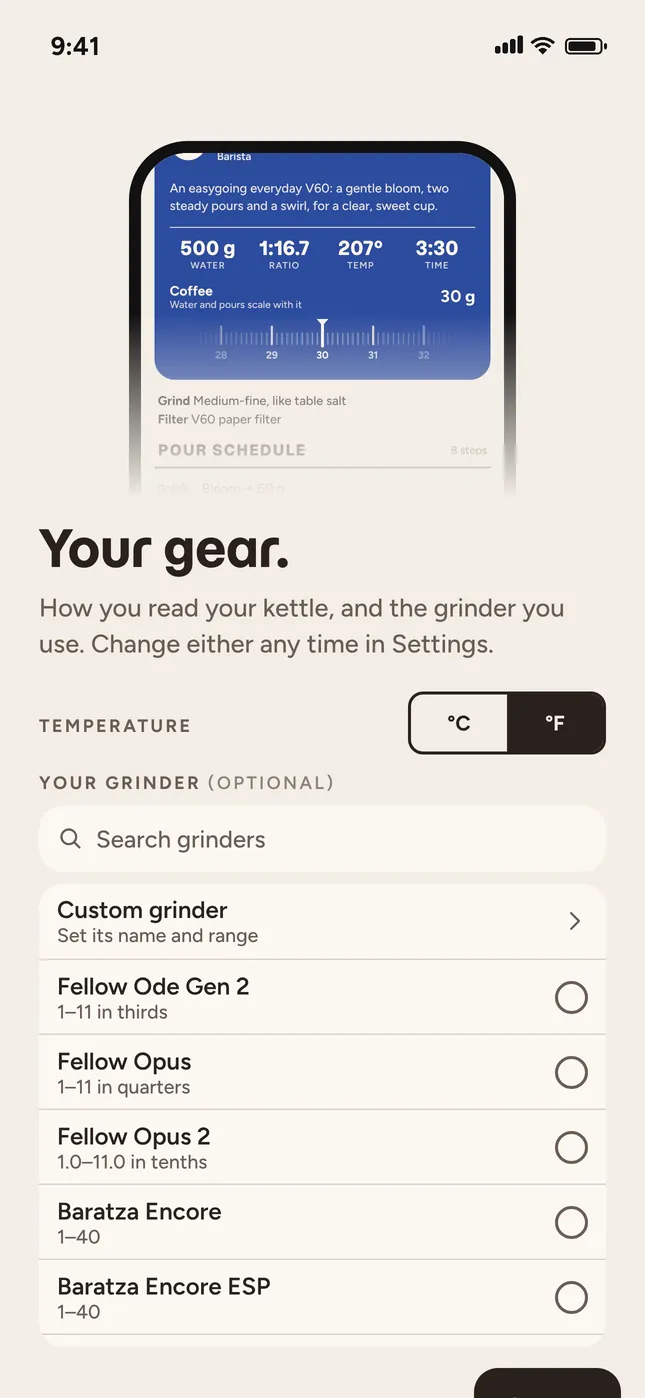
Scale any recipe. Turn the coffee dial and the water and pours follow.
 No ads. No AI. No subscriptions. No accounts. Works offline.